

Last Updated on 26 Aug, 2026 by Montel Anthony
Google has just made its Circle to Search tool on Android phones even better with new updates. These updates bring artificial intelligence (AI) and gaming features to make searching easier and more fun. Announced on July 9, 2025, alongside the launch of Samsung’s latest foldable phones, the Galaxy Z Fold 7 and Galaxy Z Flip 7, these changes will excite students, parents, and anyone who loves using their Android phone to explore the world. Let’s break down what’s new in simple terms.
What is Circle to Search?
Circle to Search is a handy tool on Android phones that lets you search for anything on your screen without leaving the app you’re using. For example, if you see a cool shirt in a video or a place in a photo, you can circle it with your finger, and Google will find information about it. It’s like having a super-smart assistant who can look up things instantly. This feature is already available on over 300 million Android devices, including Pixel and Samsung phones.
New AI Mode for Smarter Searches
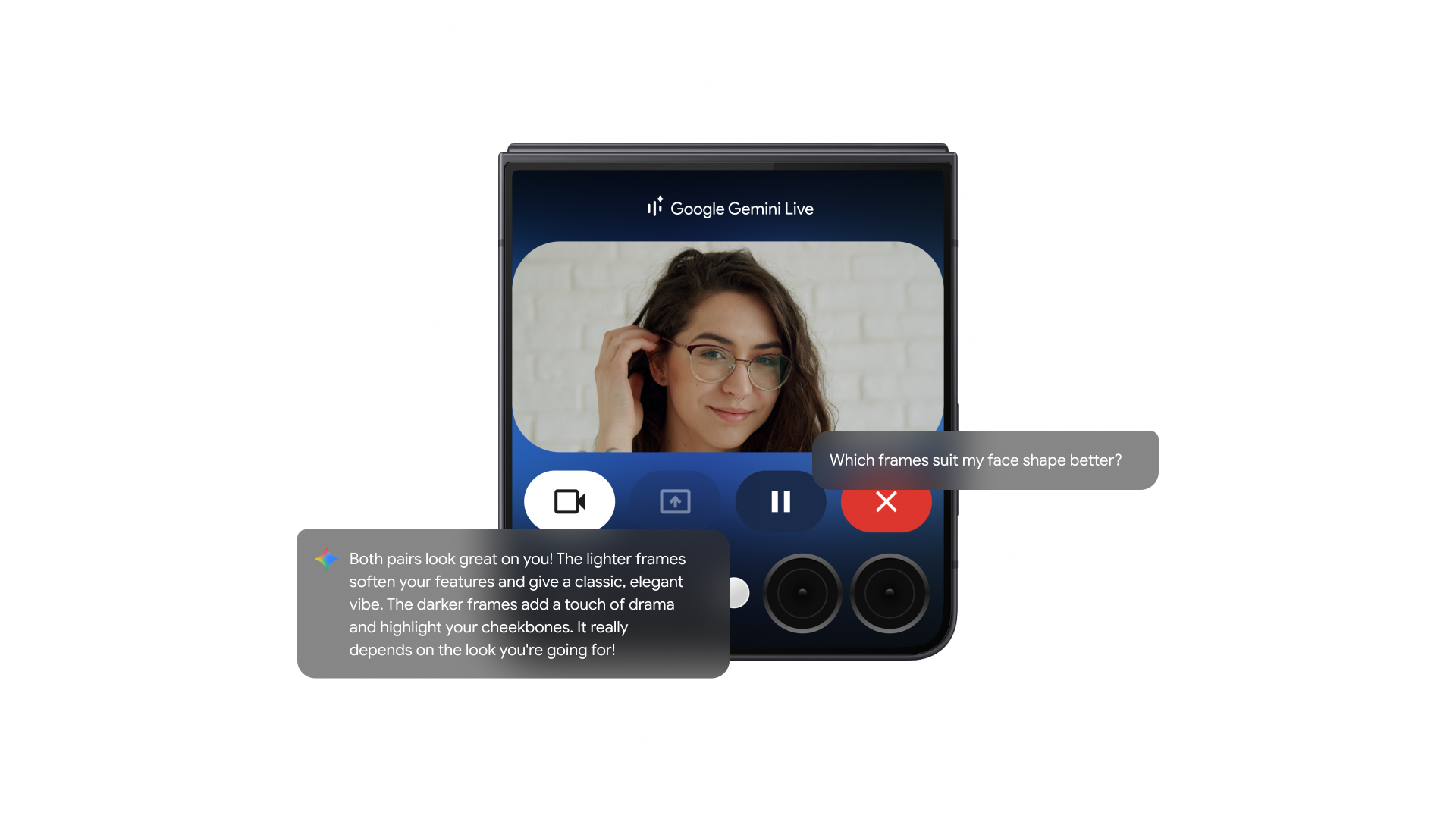
The biggest update is the addition of AI Mode to Circle to Search. AI Mode is like a chatbot that helps you find answers in a more detailed and conversational way. Instead of just showing you web links, it uses Google’s Gemini AI to give you a summary of information and answer follow-up questions. For example, if you circle a plant in a photo, AI Mode can tell you what type of plant it is and even answer questions like, “How do I take care of it?” This makes searching feel like chatting with a knowledgeable friend.
AI Mode was first introduced in Google Search earlier in 2025, but it’s now available in Circle to Search for Pixel and Samsung phone users. Right now, it’s only available in the United States and India, and it works in English. Google plans to bring it to more countries soon, so Nigerian users might get it in the future. You can also access AI Mode through Google Lens in the Google app on both Android and iOS phones, but this is currently limited to the U.S.
Gaming Help Right on Your Screen
Another exciting update is for gamers. Circle to Search now helps you while playing mobile games. If you’re stuck in a game, you can press and hold the home button, then circle something on the screen, like a character or item. Google will show you tips, strategies, or even videos that match the exact moment in the game you’re playing. For example, if you’re playing a game and don’t know how to beat a level, Circle to Search can find a guide without you closing the game. This feature was tested by Google in January 2025 and is now rolling out to all users.
How Does It Work?
Using Circle to Search is super easy:
- Open an app: This could be a game, a video, or a photo on your phone.
- Press and hold the home button: A Google Search bar will pop up.
- Circle or tap: Use your finger to circle or tap the thing you want to learn about.
- Get answers: AI Mode will show a summary of information, and you can ask more questions if you want.
For gamers, you might see an AI Overview with quick tips or links to helpful videos. This makes it perfect for students who play games or parents who want to help their kids with tricky game levels.
Why This Matters
These updates make Circle to Search more powerful and useful. Whether you’re a student researching something for school, a parent trying to identify a toy in a video, or a gamer looking for tips, this tool saves time and makes your phone smarter. The AI Mode adds a new layer of intelligence, letting you dig deeper into topics without switching apps. Plus, the gaming feature is a fun way to get help without pausing your game.
What’s Next?
Google is working to bring AI Mode to more devices and countries. They’re also improving Google Lens, which works similarly to Circle to Search, so you can expect even more ways to use these features. For now, if you have a Pixel or Samsung phone, you can start enjoying these updates. If you’re in Nigeria or other countries outside the U.S. and India, keep an eye out for when AI Mode arrives.
Discover more from Cloudorian — Android, Samsung & Windows How-To Guides
Subscribe to get the latest posts sent to your email.



