
If you are planning to start a business in Nigeria, one of the first things you need to do is register your business name with the Corporate Affairs Commission (CAC). The CAC is the government agency responsible for regulating and supervising the formation, registration, and management of companies in Nigeria.
In this post, we will provide a step-by-step guide on how to register business name on CAC website.
Step 1: Go to the CAC website (pre.cac.gov.ng) and Create Account then Login.

Step 2: Click on New Name Reservation to reserve your business name (Choose Your Business Name, Category, Reason for Reservation etc.) then wait for their approval and your Availability Code will be sent to you.
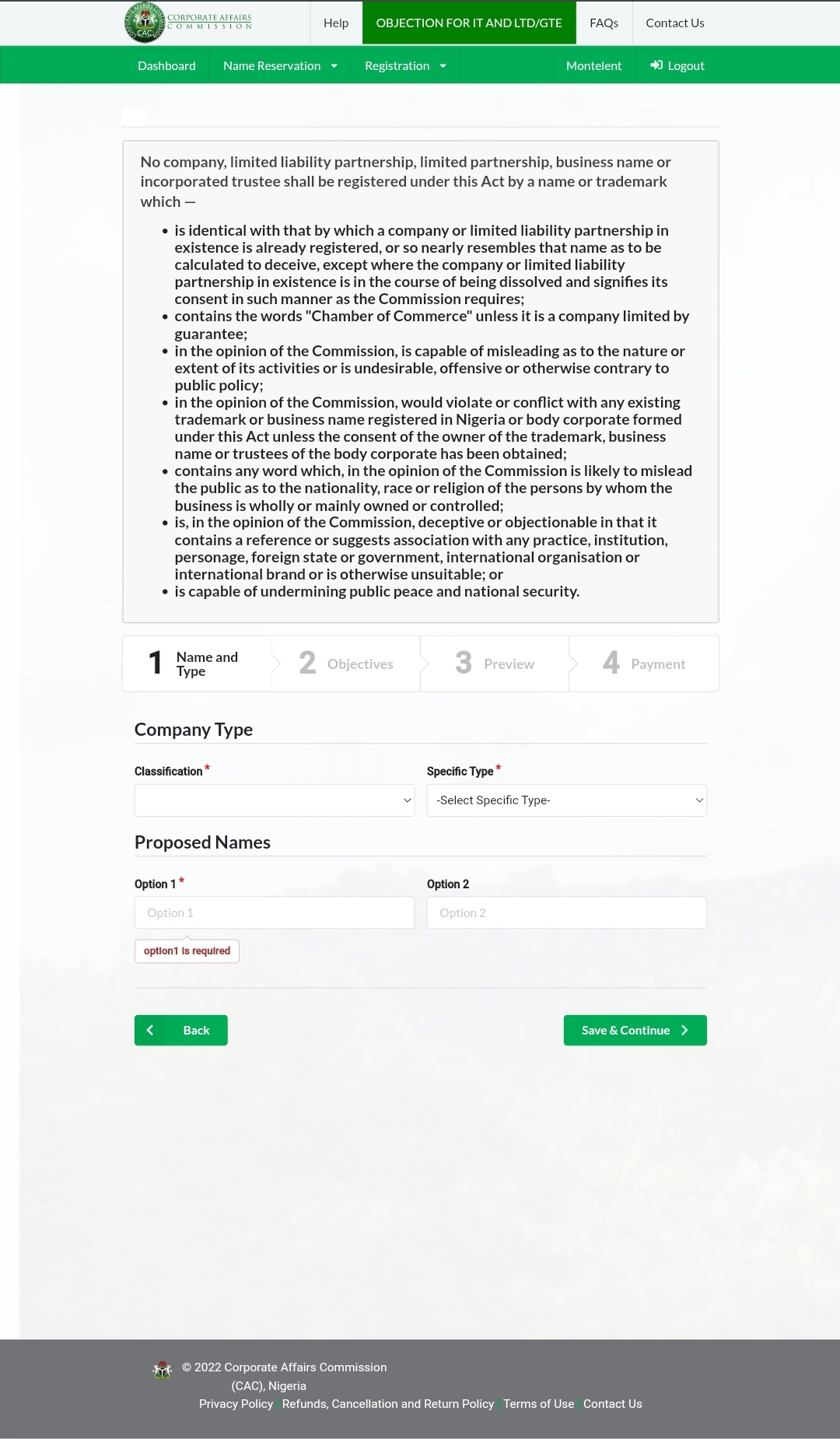
Note: Name Reservations costs N500 plus Miscellaneous charges on Remita
Step 3: Login your account after approval, make sure you have your Availability Code copied already.
Step 4: Click on the “New Company Registration” button and Paste your Availability code.
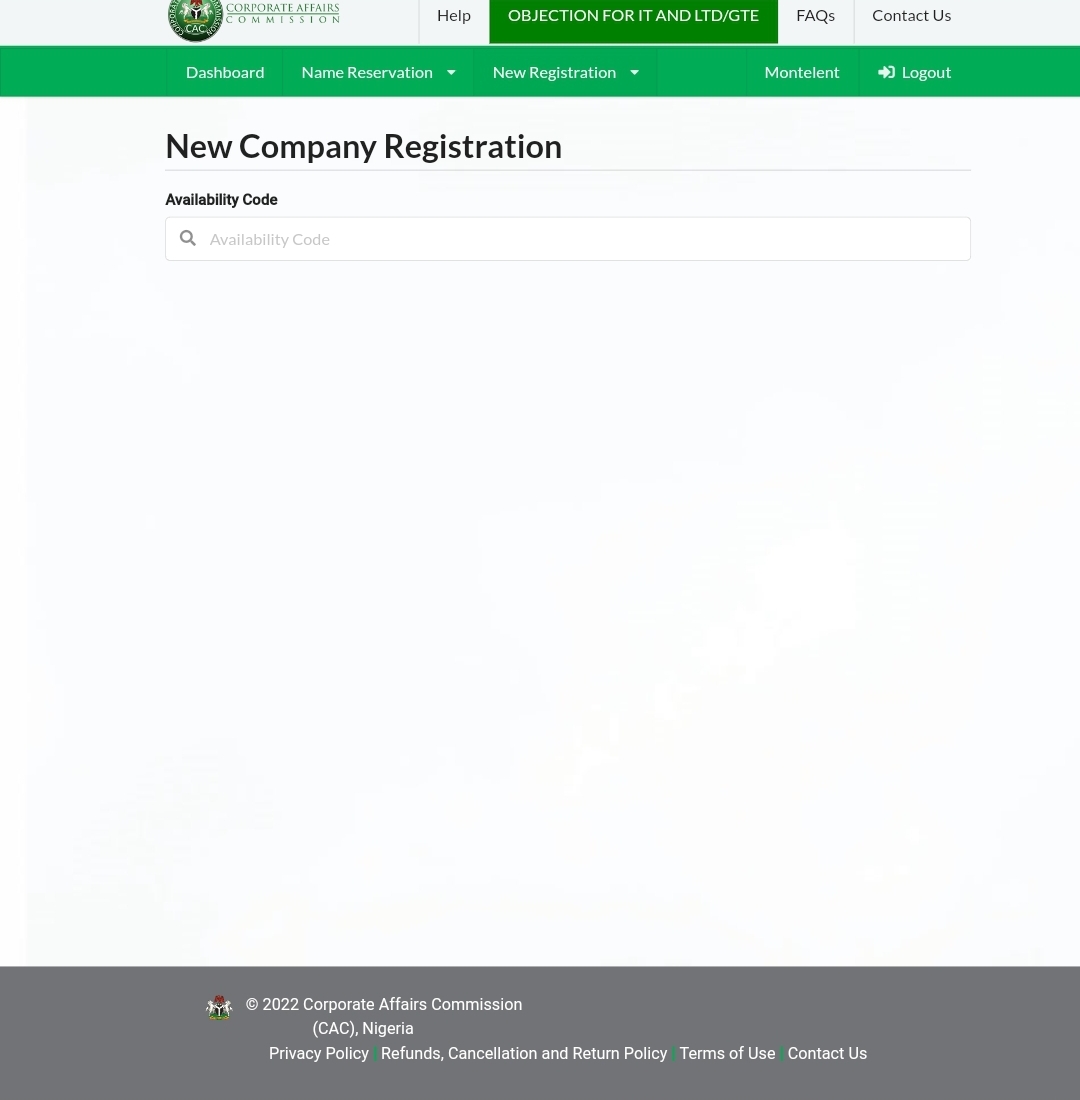
Step 5: Fill out the online form with the required information. This includes the business name, business address, contact information, and details about the business owner(s).
Step 6: Choose the type of business you will be operating (e.g., sole proprietorship, partnership, limited liability company).
Step 7: Select the business activities you will be engaged in. You can choose up to three activities.
Step 8: Review and confirm the information you have provided, then click “Submit.”
Step 9: Pay the registration fee online using your debit or credit card.
Step 8: Print out the confirmation page and keep it for your records.
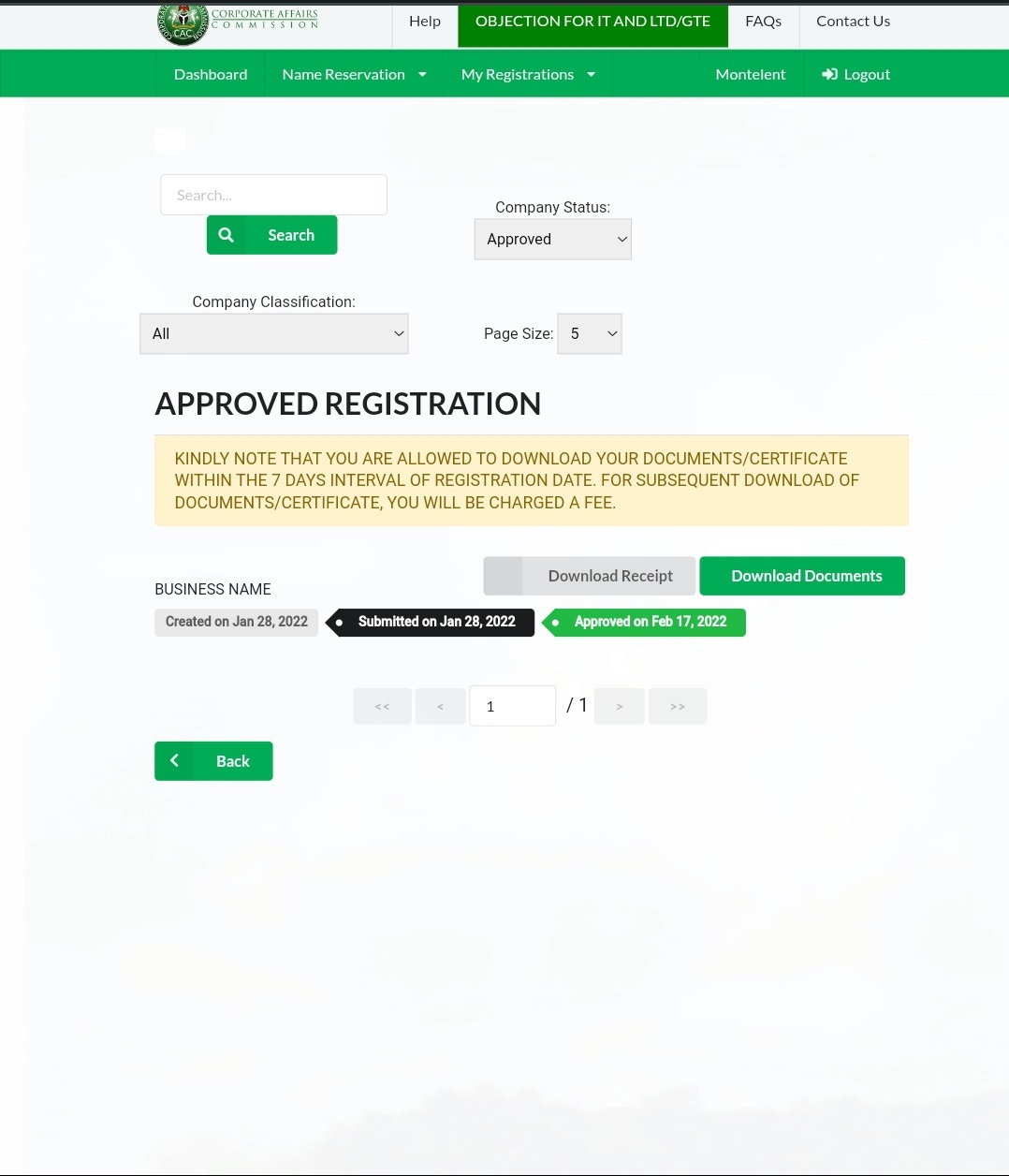
Once your business name is registered, you will receive a certificate of registration and a seal from the CAC. These documents will serve as proof that your business is legally registered and can be used to open a bank account, apply for loans, and conduct other business transactions.
It is important to note that registering your business name does not automatically give you the exclusive right to use that name. To obtain exclusive rights, you will need to register a trademark.
In conclusion, registering your business name on the CAC website is a crucial step in starting a business in Nigeria. By following the steps outlined in this post, you can easily complete the registration process and get your business up and running.
CAC Name Reservations
The Corporate Affairs Commission (CAC) in Nigeria allows individuals and businesses to reserve a business name before formally registering it. Name reservation is a process that allows you to hold a business name for a specific period of time while you complete the registration process. This can be especially useful if you want to secure a business name that is already in use or if you want to reserve a name while you are still in the planning stages of your business.
How to reserve a business name with the CAC
Step 1: Go to the CAC website (www.cac.gov.ng) and click on the “Business Name” tab.
Step 2: Click on the “Reserve a Business Name” button and select “New Application.”
Step 3: Fill out the online form with the required information, including the business name you wish to reserve and your contact details.
Step 4: Choose the type of business you will be operating (e.g., sole proprietorship, partnership, limited liability company).
Step 5: Select the business activities you will be engaged in. You can choose up to three activities.
Step 6: Review and confirm the information you have provided, then click “Submit.”
Step 7: Pay the reservation fee online (N500) using your debit or credit card.
Step 8: Print out the confirmation page and keep it for your records.
Once your business name has been reserved, you will have 60 days to complete the registration process. After 60 days, the reservation will expire and the name will become available for others to use.
It is important to note that a reserved business name is not the same as a registered business name. A reserved name does not give you the exclusive right to use that name. To obtain exclusive rights, you will need to register the business name.
In conclusion, reserving a business name with the CAC can be a useful tool for those who want to secure a specific business name or who are still in the planning stages of starting a business. By following the steps outlined above, you can easily reserve a business name and move forward with the registration process.
Discover more from Cloudorian — Android, Samsung & Windows How-To Guides
Subscribe to get the latest posts sent to your email.
